

Get started
Welcome
Revyl gives your agents a runtime to run and verify software in, and keeps what it observes in Atlas for your team and your agents to query.
The runtime platform for cloud agents
Revyl gives agents a runtime to run and verify software, and your team a shared record of what it does.
From code changes to observed behavior
Coding and cloud agents can write changes faster than a person can watch them run. A diff shows what changed in the code, not what happens when someone uses the app. What the team knows about that behavior is spread across tests, recordings, bug reports, and the people who last worked on it.
Revyl connects the change to a run you can inspect, then keeps what the run observed so the next person or agent can use it.
Run, verify, and ask again
Start with an intent: a pull request to verify, or a question about your app. Your coding agent or the Revyl agent runs the software in a runtime suited to the work, such as an app session or a computer (Alpha). Revyl works with the agent you already use.
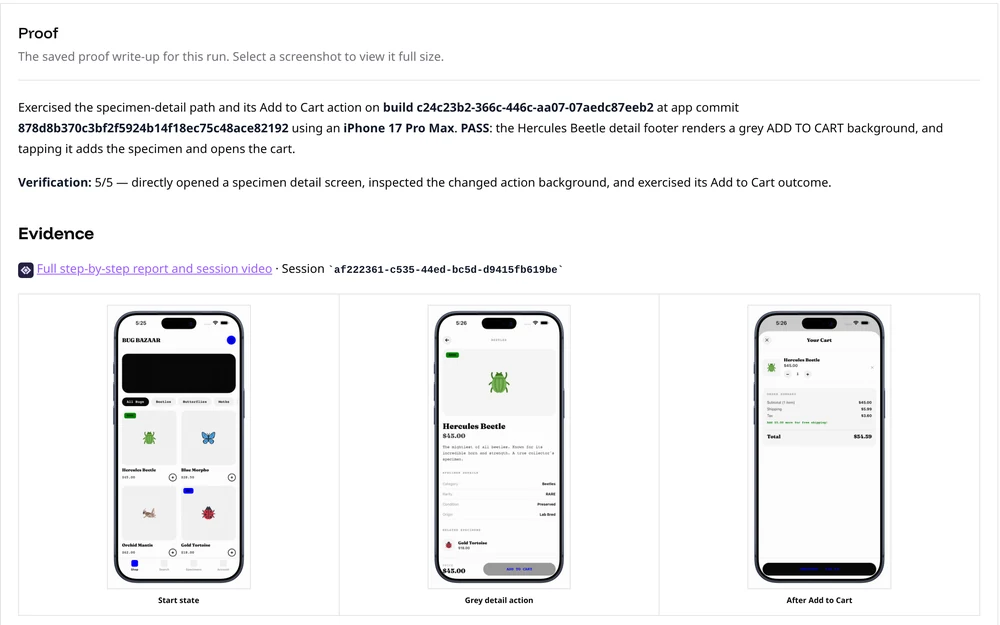
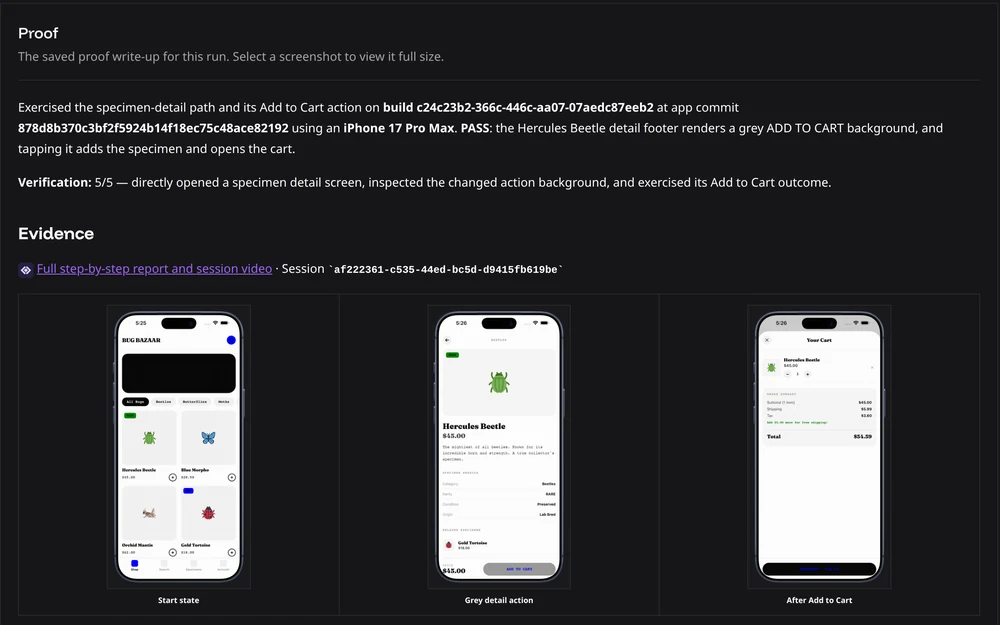
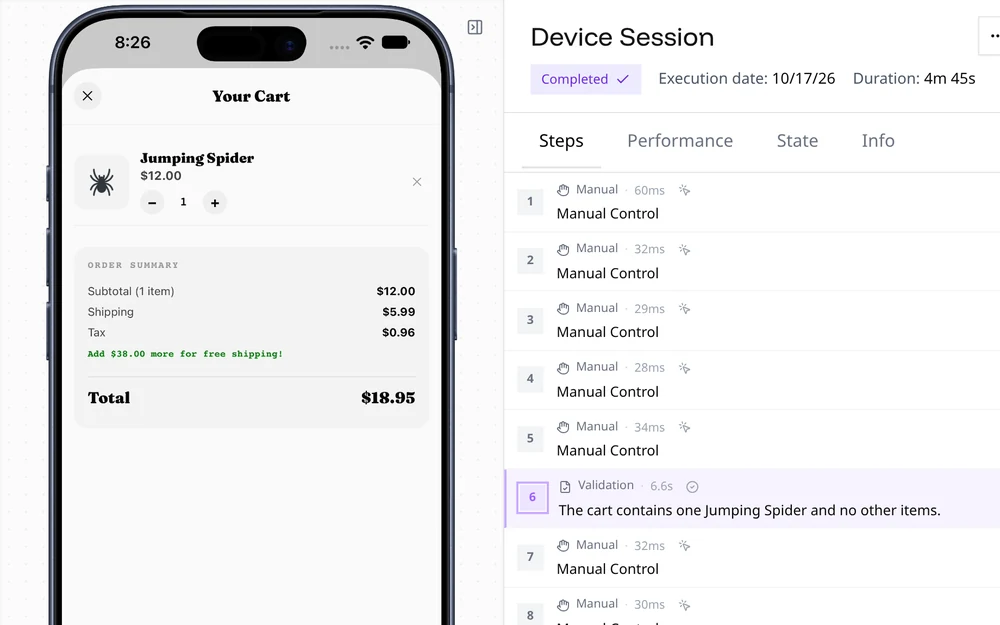
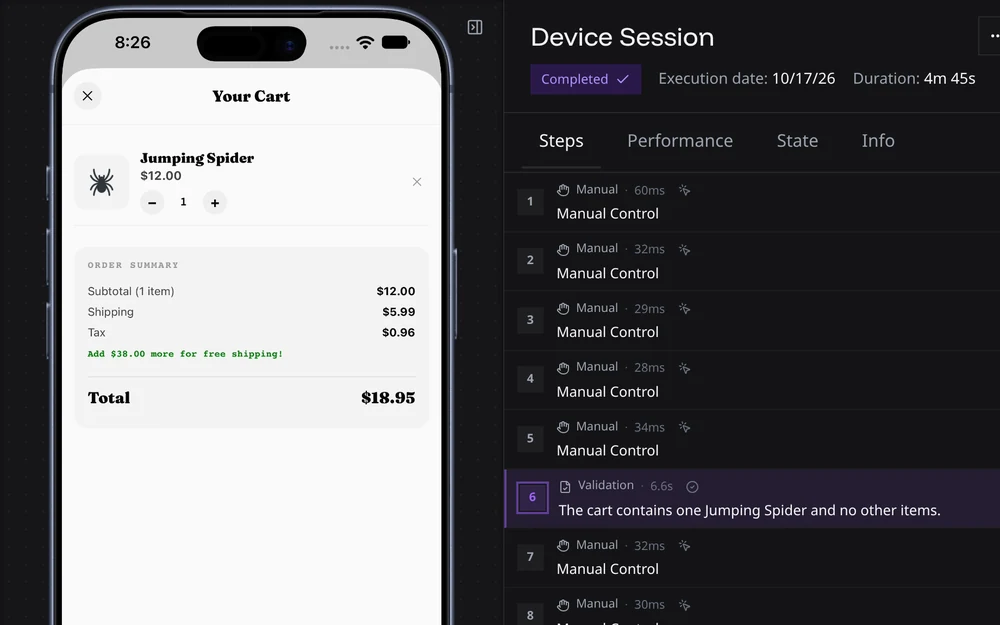
The run leaves evidence you can open. Proof of changes adds a verdict about the changed behavior. A session keeps its recording and report. A computer keeps its activity and desktop recording; its app sessions have their own reports.
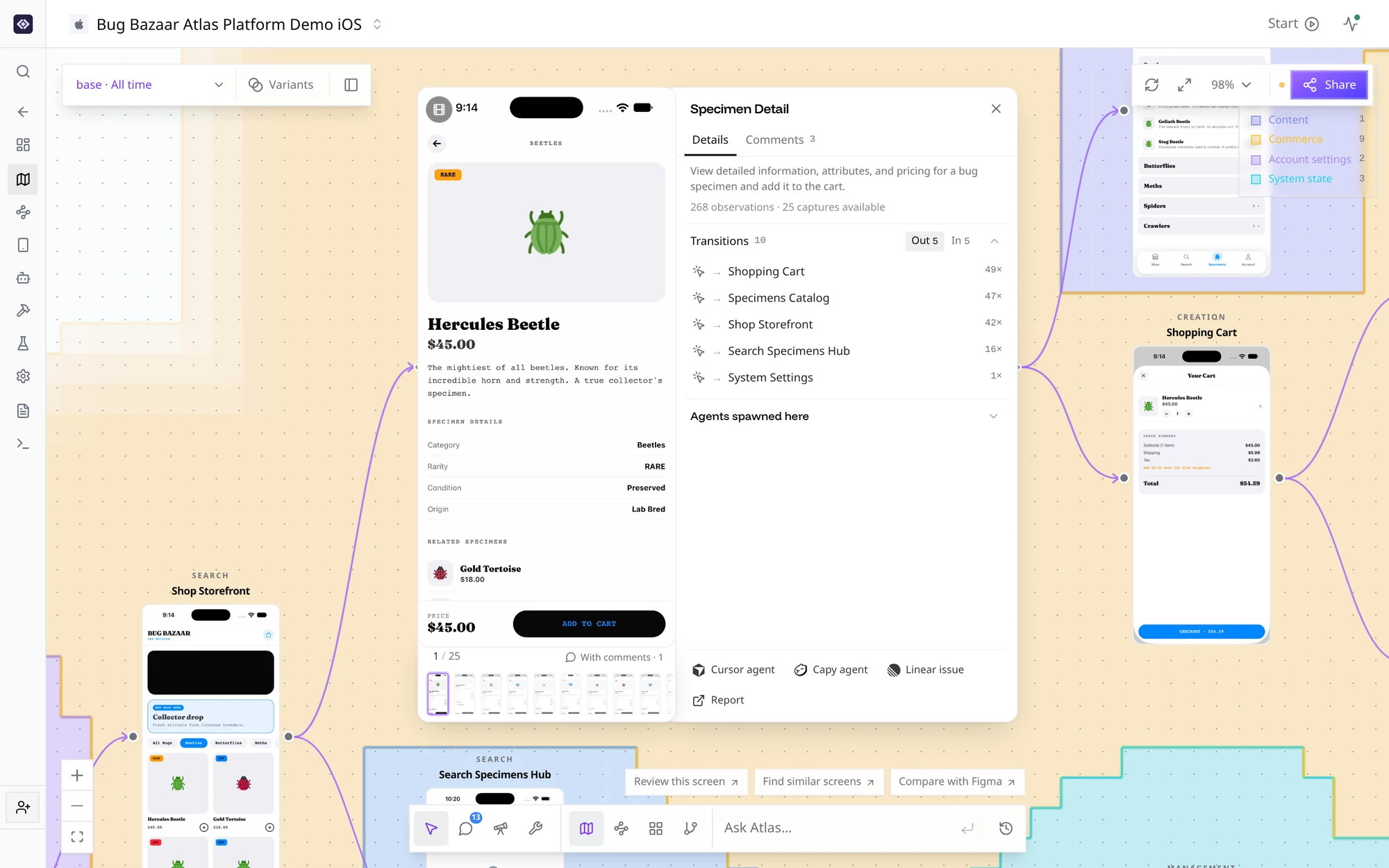
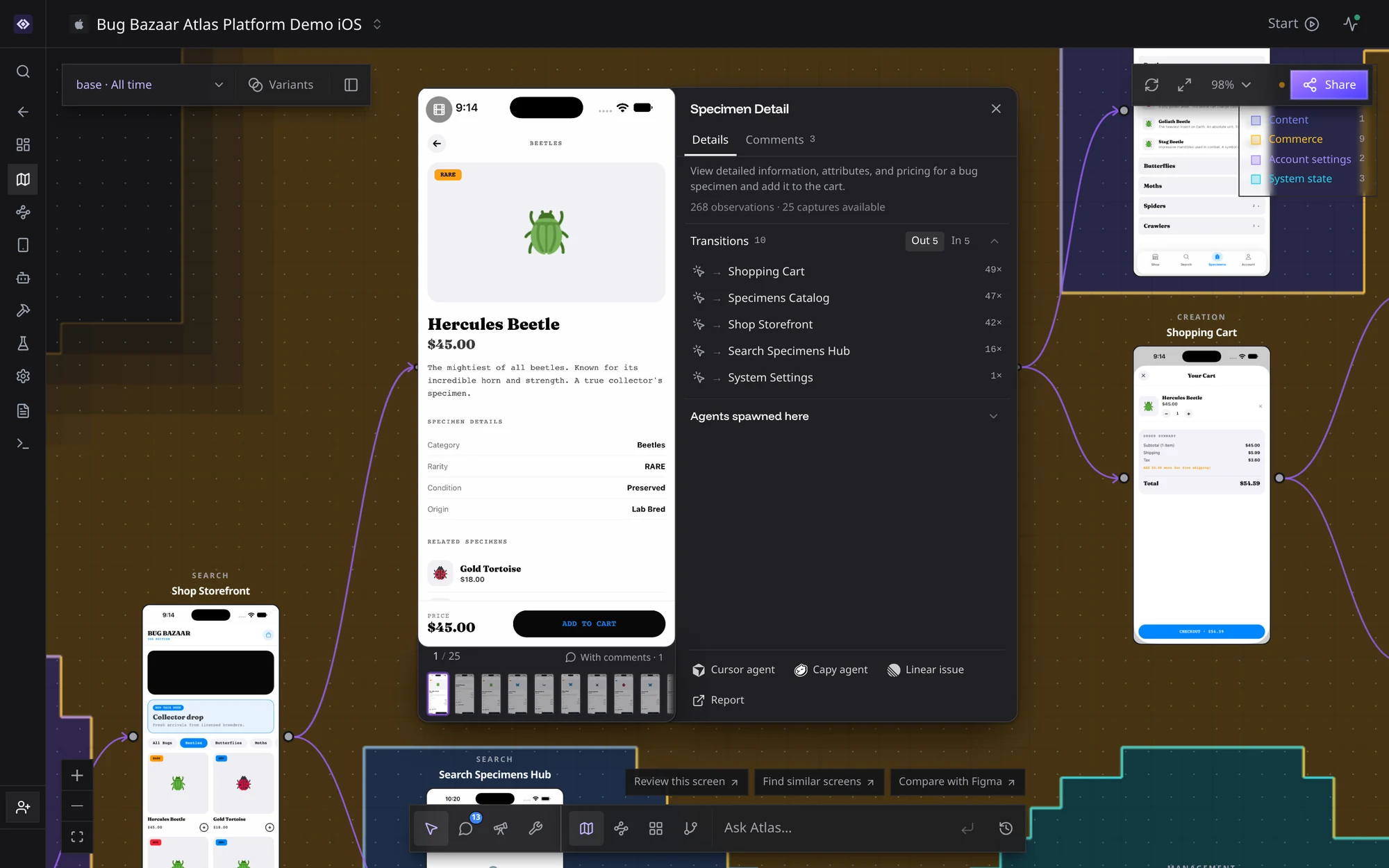
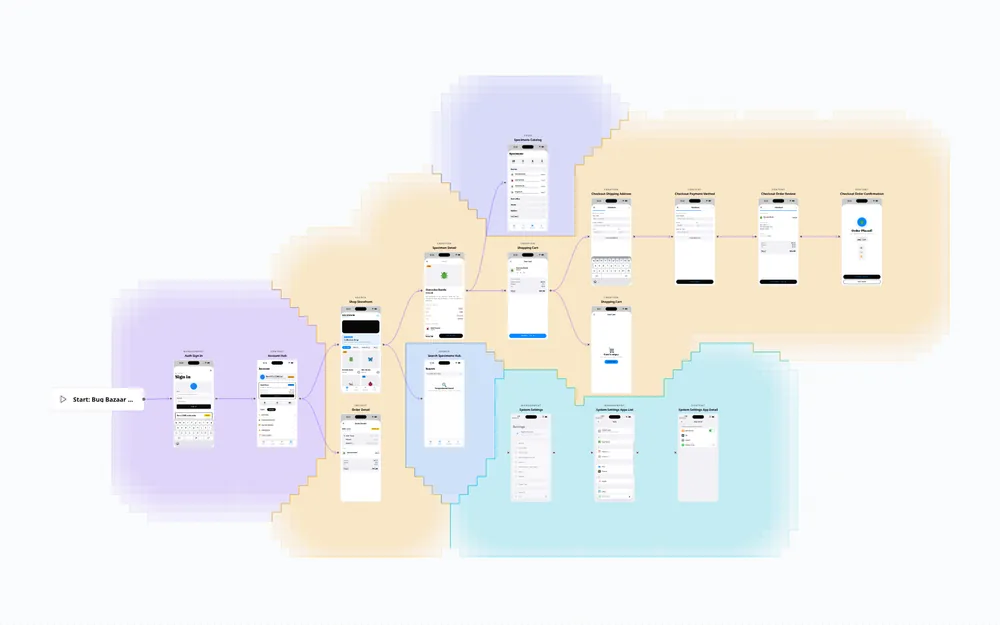
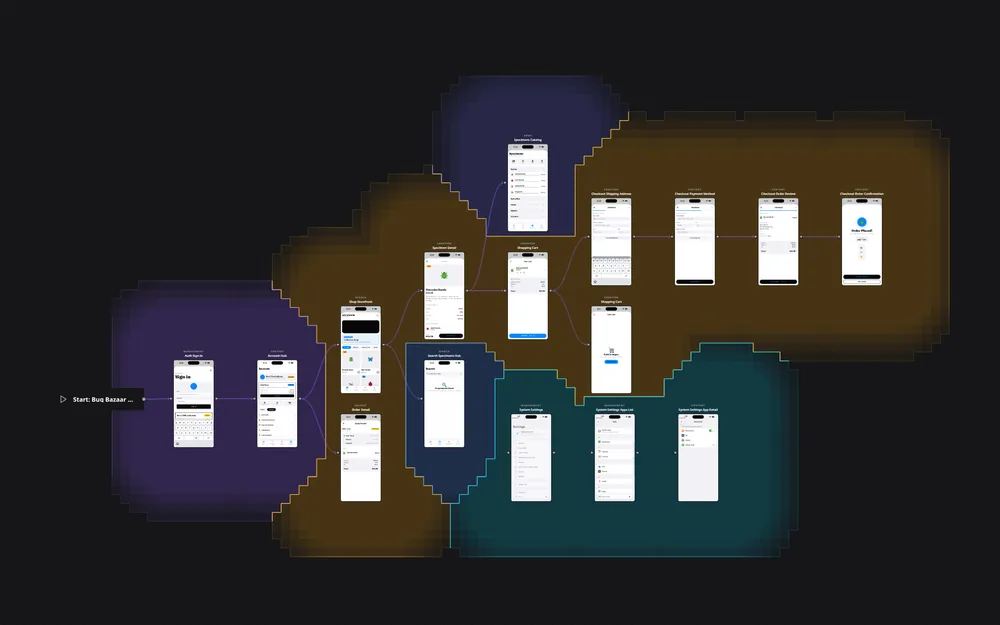
App-session observations feed Atlas, your company's shared behavioral record. People query it in the dashboard, and agents query it through the CLI. You can follow an observed path, inspect its evidence, or find a gap to explore next. Atlas records what ran, not everything your app might do.
Next steps
- Set up proof of changes to get a verdict on your pull requests before review.
- Connect your coding agent to run and verify changes from the place you write code.
- Install the CLI to start sessions, run checks, and query Atlas from your terminal.
- Open Atlas to follow observed flows and inspect the evidence behind them.
See it in Revyl
 Proof of changes
See the verdict and the evidence for a pull request.
 Atlas
AtlasFollow a flow through the screens Revyl has observed.
 Agent actions
Inspect what your agent did and what it checked.
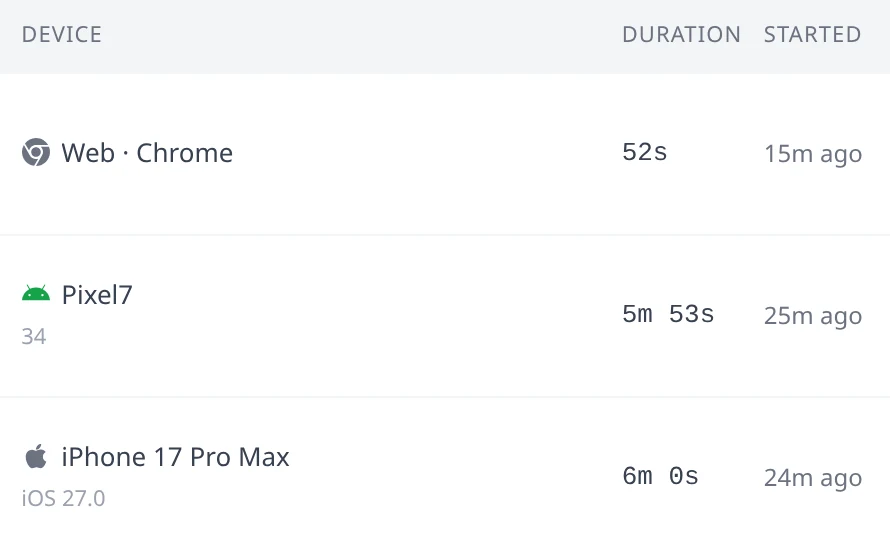
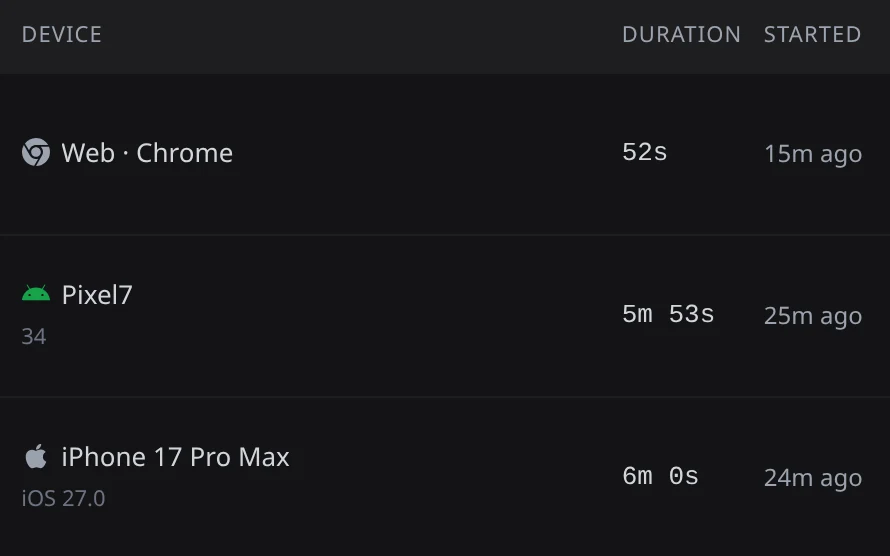 Runtimes
Browse live and past sessions, including Web.
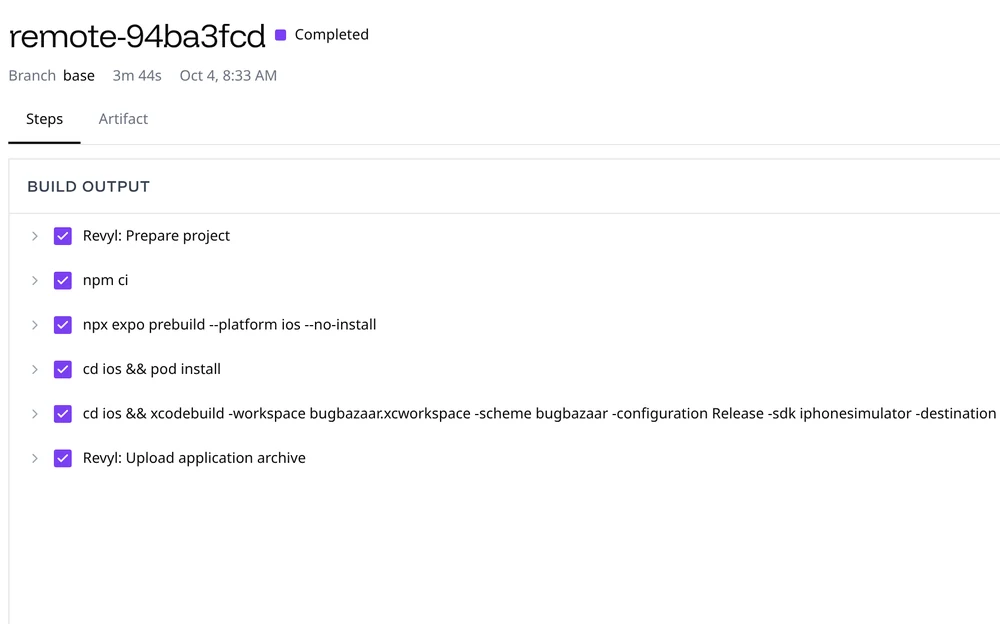
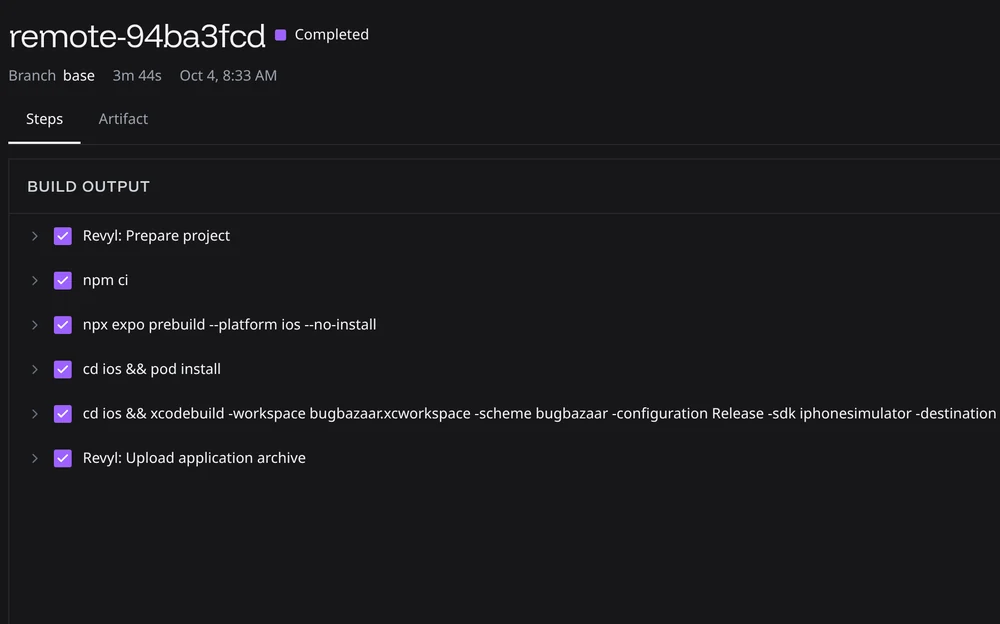 Builds
Bring builds from your CI, or build on Revyl's runners.
Setup and reference
Runtimes, evidence, Atlas, and the objects behind them
Build setup for Web, iOS, Android, React Native, Expo, Flutter, KMP, and Bazel
Modules, variables, scripts, and files shared across your organization
GitHub, GitLab, Slack, Expo, Cursor, Capy, and Devin (alpha)
IP allowlists and AWS PrivateLink
Every revyl command and flag