

Integrations / Agent Outposts
Cursor Agent Outposts
Run Cursor Cloud Agents on a Revyl Mac
Connect a Cursor service account so Cursor Cloud Agents can run on a private Revyl worker pool. The Agent Outposts overview explains how the Revyl Mac works.
Set up with an agent
Paste one prompt and your coding agent does the rest.
Setup prompt
Set up a Cursor Agent Outpost for this organization.

Read https://docs.revyl.com/integrations/agent-outposts/cursor.md and follow it. It's the current Revyl guide for this, so prefer it over anything you remember about Revyl.

I'll ask Revyl Support to enable Agent Outposts and add a service-account key under Integrations > Cursor > Connections > Team default. Help me check the Cursor prerequisites. Don't start an agent until access is confirmed and the Revyl pool appears.

You're done when a Cursor Cloud Agent starts on the Revyl pool, can run the app with the Revyl CLI, and pushes its work before the session ends.

Ask me before anything that needs my login or approval.
Set up Cursor
Before you start, your Cursor account needs:
- A team plan that supports self-hosted or private workers.
- An admin setting that enables Allow Self-Hosted Machines in Cursor's Cloud Agents settings.
- A service-account API key with permission to use the team's private worker pool. A personal or team API key cannot run an Outpost worker.
Ask Revyl to enable Agent Outposts
Email support@revyl.ai and ask for Agent Outposts to be enabled for your organization.
Configure Cursor
In Cursor, enable Allow Self-Hosted Machines and create a service-account API key with private worker pool permission.
Add the organization default connection in Revyl
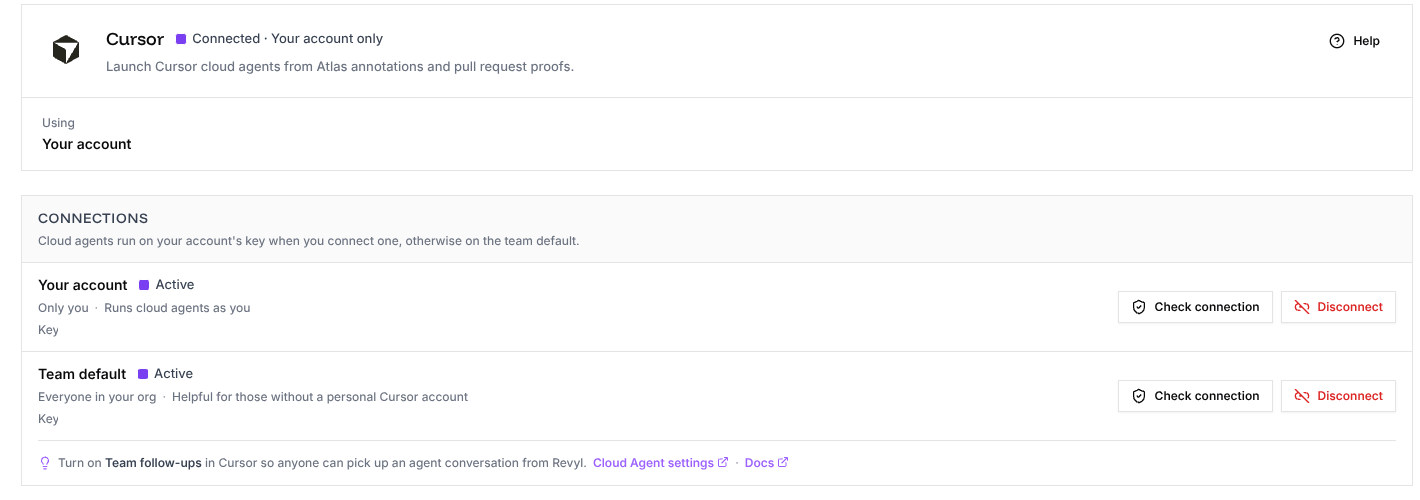
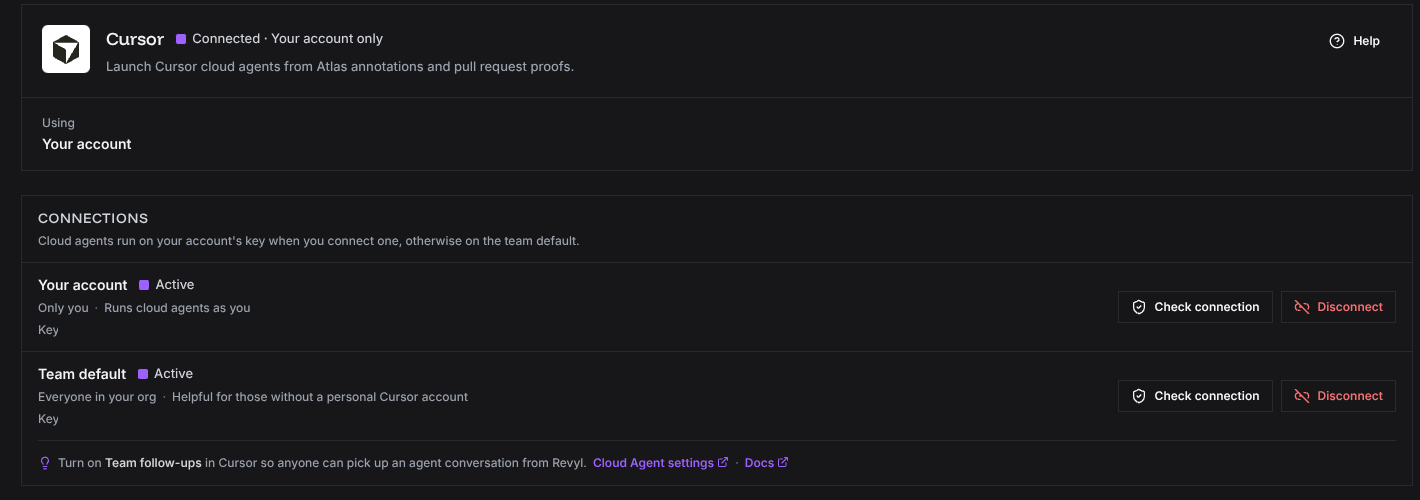
In Revyl, open Integrations > Cursor. In Connections, choose Team default, paste the service-account API key, and select Connect Cursor. Owners and admins can manage this shared connection.
Wait for the worker pool
Revyl creates the private worker pool automatically in the connected Cursor team. Its name is:
| Environment | Pool name |
|---|---|
| Production | Revyl |
| Staging and other non-production environments | Revyl Staging |
Start a Cloud Agent on the pool
Start a Cursor Cloud Agent and select the Revyl pool. The existing Cursor Cloud Agents guide covers the agent's normal setup and launch flow.