

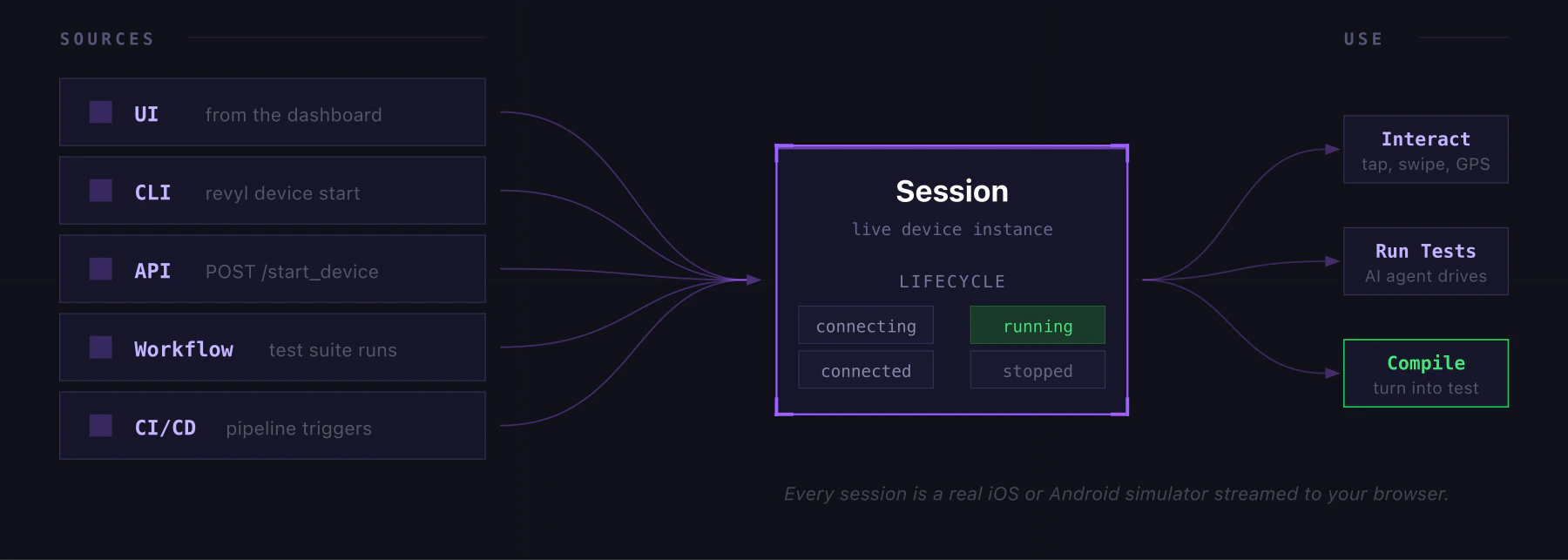
Starting a Session
- Go to Sessions and click Start session
- Pick a platform (iOS or Android), device model, and OS version
- Optionally select an App and Build to pre-install
- Set an idle timeout (5m, 15m, 30m, or 1h)
- Click Start
What You Can Do
- Manually explore your app before writing tests
- Debug a specific flow on a specific device/OS combo
- Record your interactions and compile them into a test
- Set GPS location, open deep links, trigger device actions
Session Sources
Sessions can come from anywhere:| Source | How |
|---|---|
| UI | Start from the dashboard |
| CLI | revyl device start |
| API | POST /api/v1/execution/start_device |
| CI/CD | Triggered from a pipeline |
| Workflow | Spawned by a workflow run |
Active Sessions
The sessions page shows all live sessions with real-time status, elapsed time, and an idle indicator. Sessions that sit idle for more than 2 minutes get flagged. You can stop any session from the list.Session History
Past sessions are listed with device info, duration, source, and user. From here you can:- View the session recording and device logs
- Compile the session into a test (if it has recorded actions)
- Copy the session ID for API/CLI use