

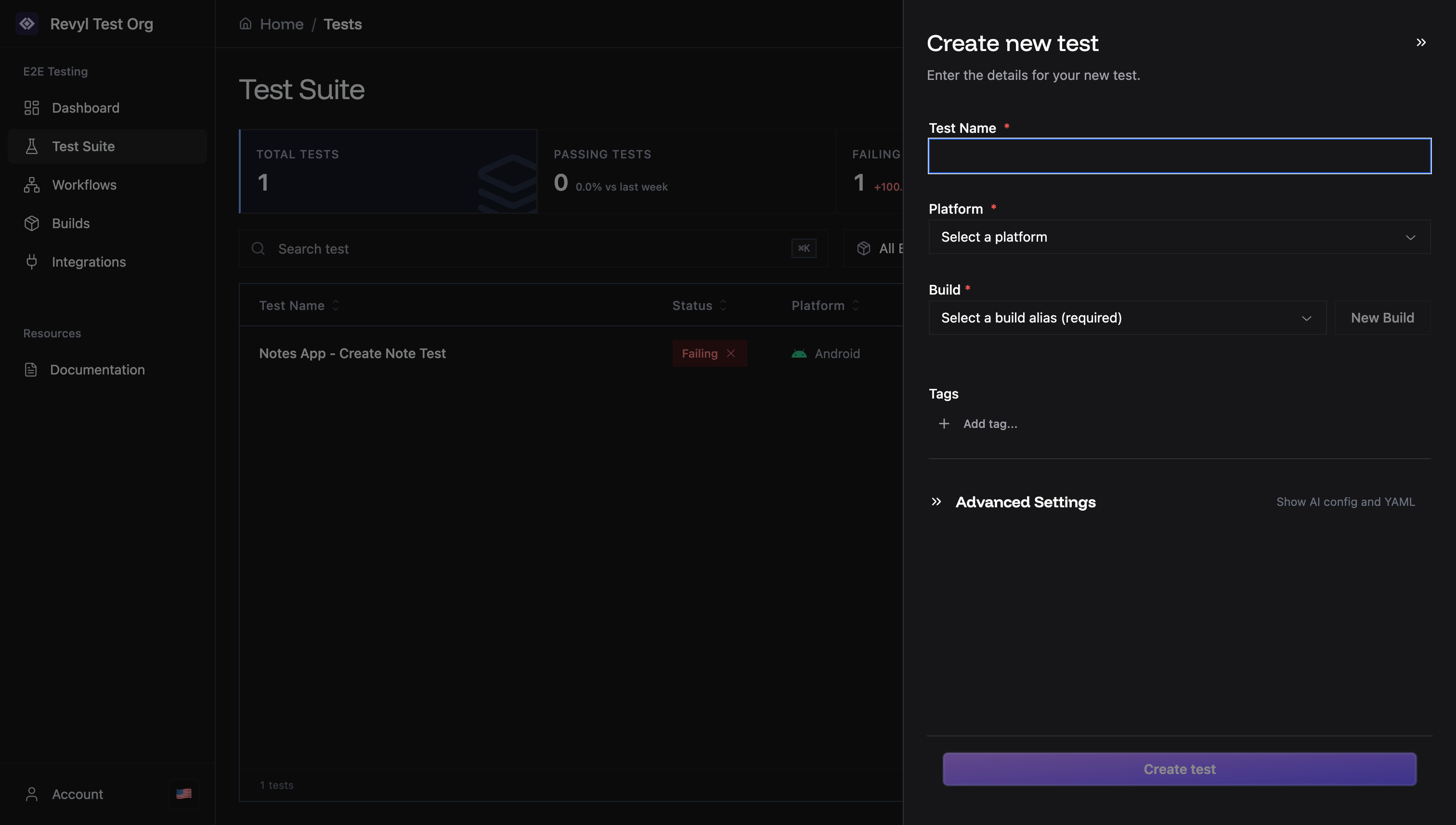
Quick Start
- Go to Test Suite → Click Create test
- Fill in test name, platform, and build
- Click Create test
Required Fields
Test Name
Name your test clearly.- “Login Flow Test”
- “Checkout - Payment Success”
- “User Registration E2E”
Platform
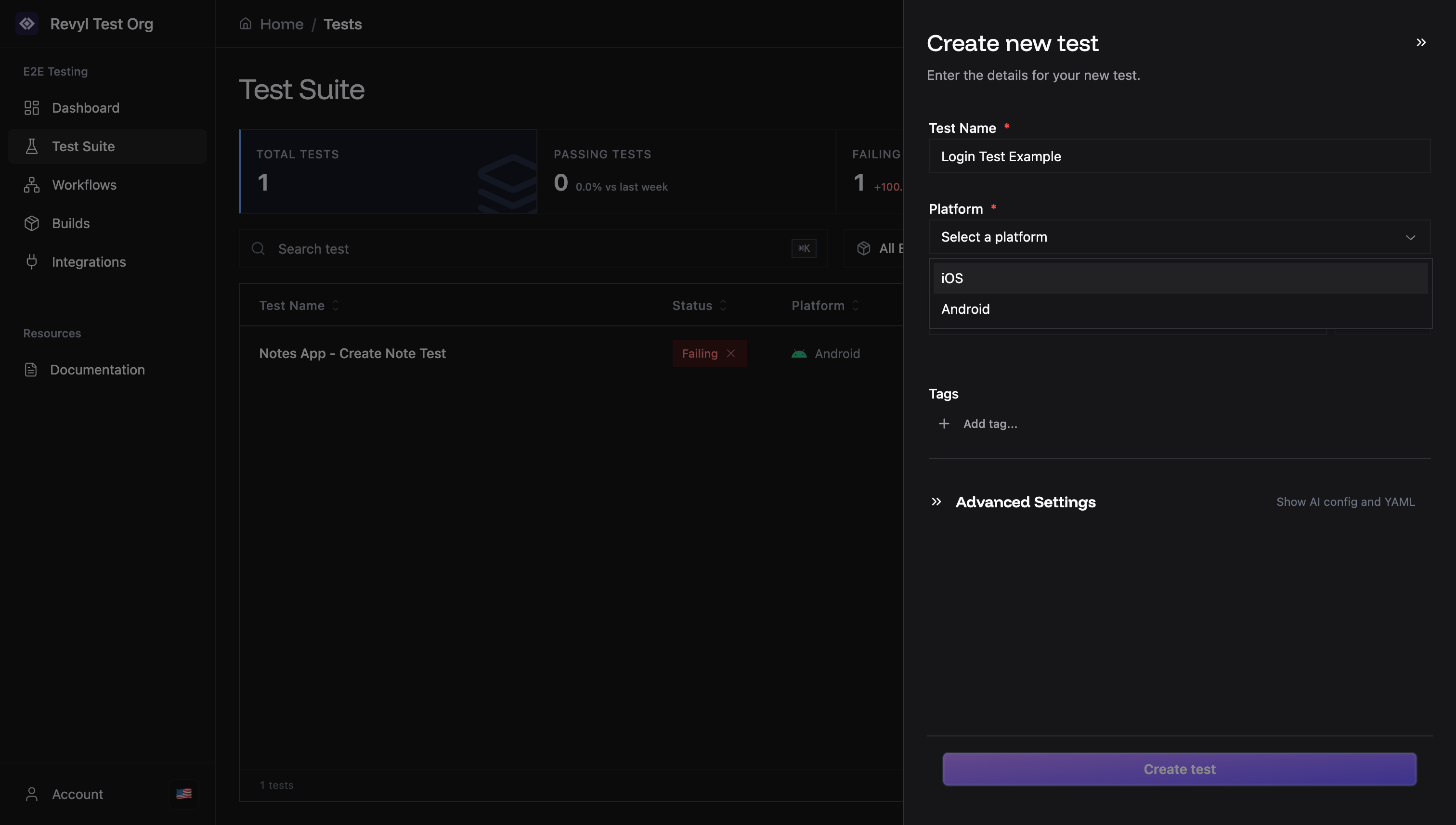
- iOS: iPhone apps
- Android: Android apps
Build
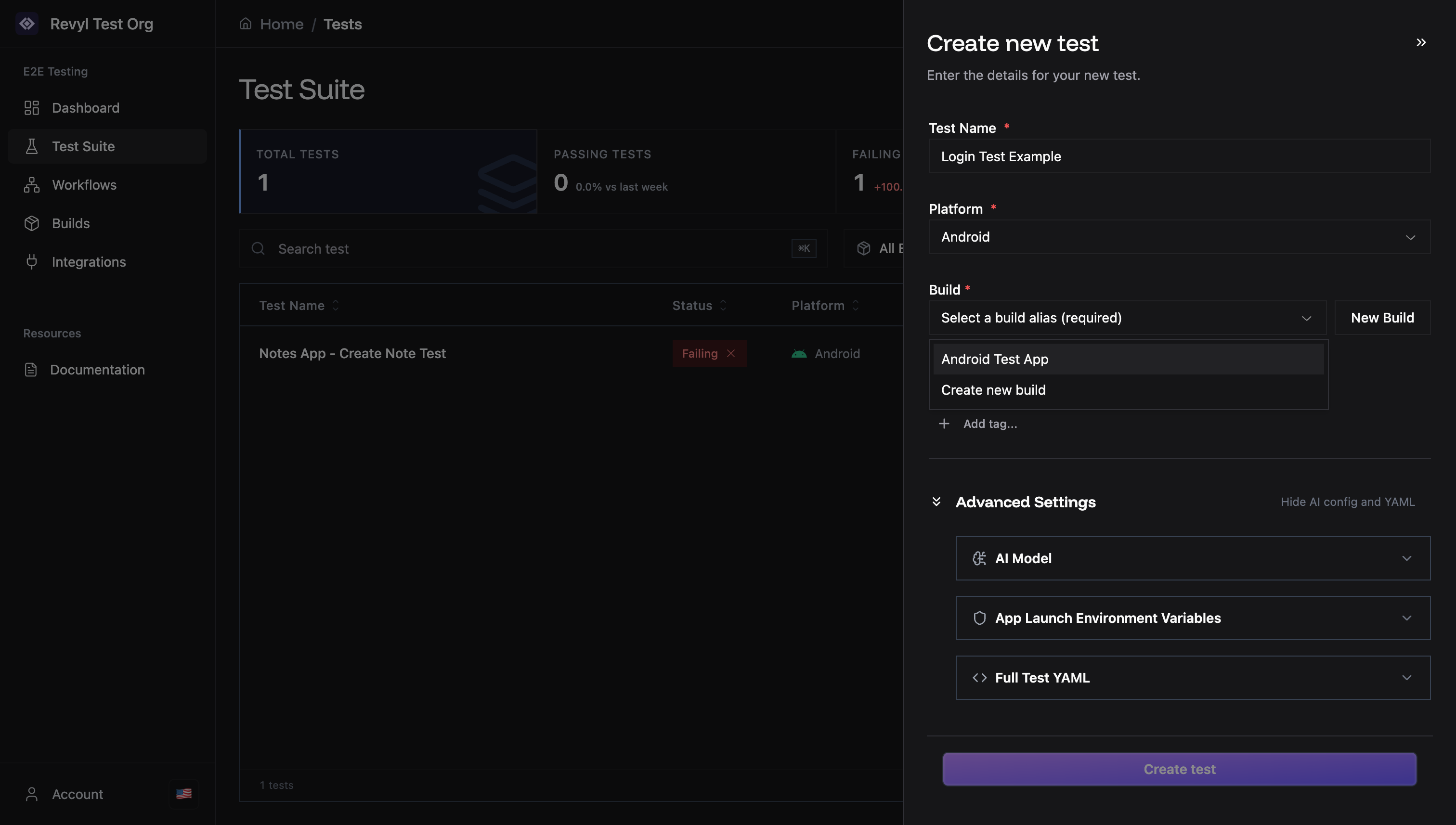
.app file via the file picker, or drag and drop an unzipped .app folder directly into the upload area. The file picker cannot select folders, so use drag-and-drop for unzipped .app bundles.
Optional: Tags
Organize tests by category.smoke- Critical testsregression- Full suitelogin- Auth tests
Advanced Settings
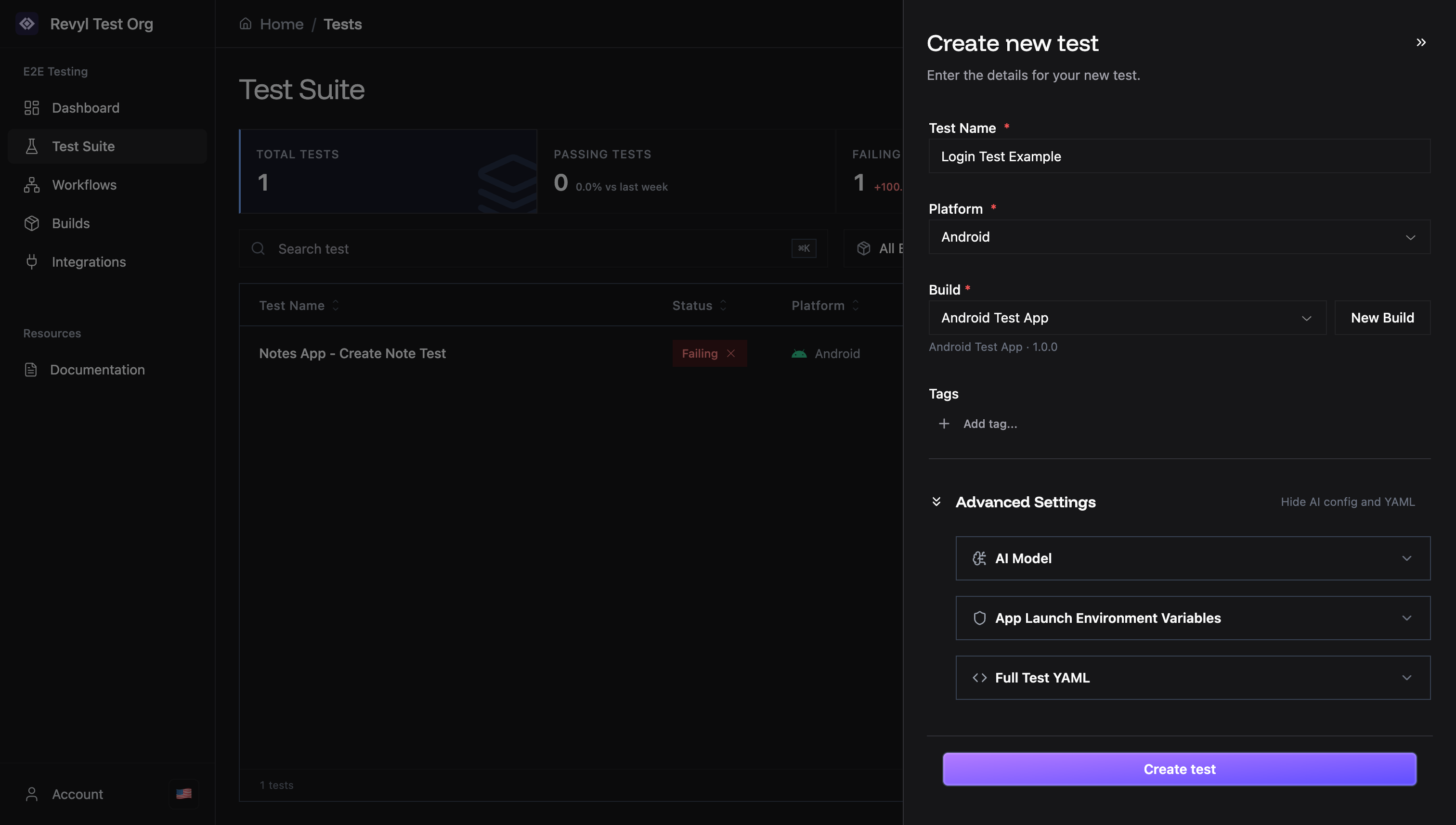
AI Model
Select the AI model preset for test execution. Each preset is optimized for different use cases:| Preset | Description | Best For |
|---|---|---|
| Intelligent | Best accuracy, high reasoning | Complex multi-step flows, ambiguous UI, form-heavy tests |
| Balanced | Good balance of speed and accuracy | Standard tests, CI/CD pipelines, most use cases |
| Fastest | Quick execution, lower accuracy | Simple tap sequences, smoke tests, quick iterations |
Environment Variables
Set variables when app launches:Full Test YAML
View or edit raw configuration.After Creation
Device starts automatically (iOS: 5-30 seconds, Android: 5-45 seconds — time varies by app size). Your app will be automatically installed (if needed) and opened. Start adding steps in the Test Editor. See Step Types for all available step types.Common Errors
- “No builds available”: Upload a build first
- “Invalid test name”: Remove special characters
- “Build mismatch”: Platform and build must match